
IPTV player for phone, TV and desktop
The IPTV player that turns your playlist into a streaming service.
Bring your Xtream Codes login, M3U playlist or Stalker portal. Tunvio adds the full TV guide, posters and plots, recordings, downloads and casting — and looks the same on every screen in the house.
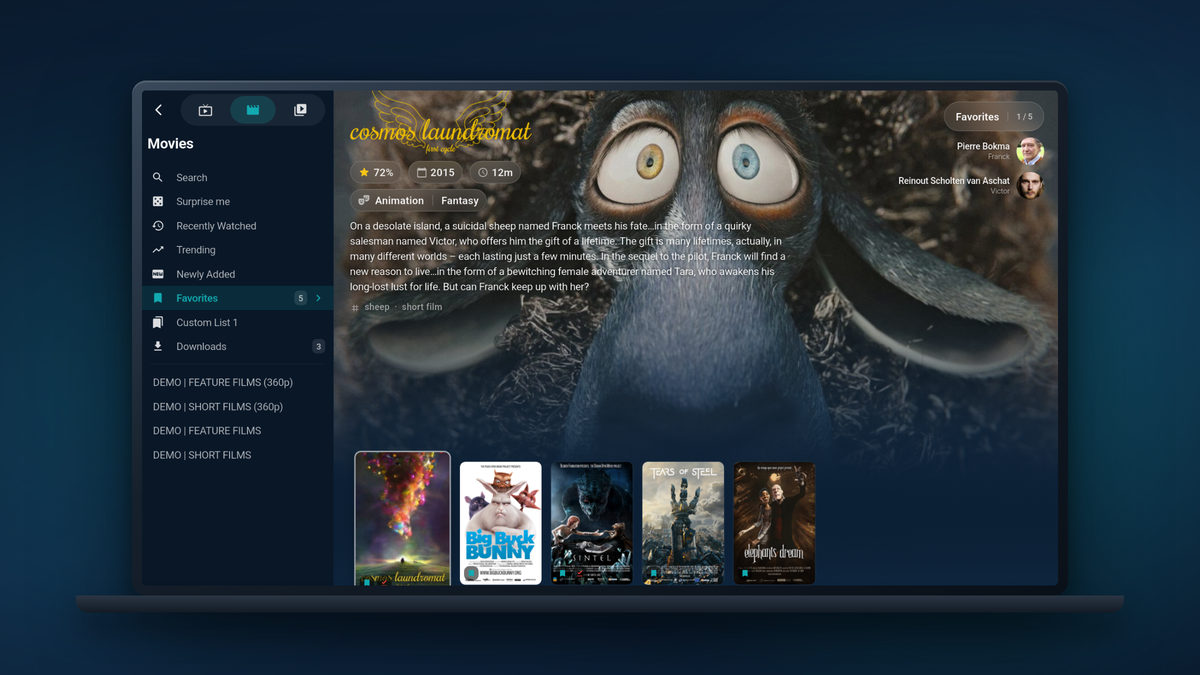
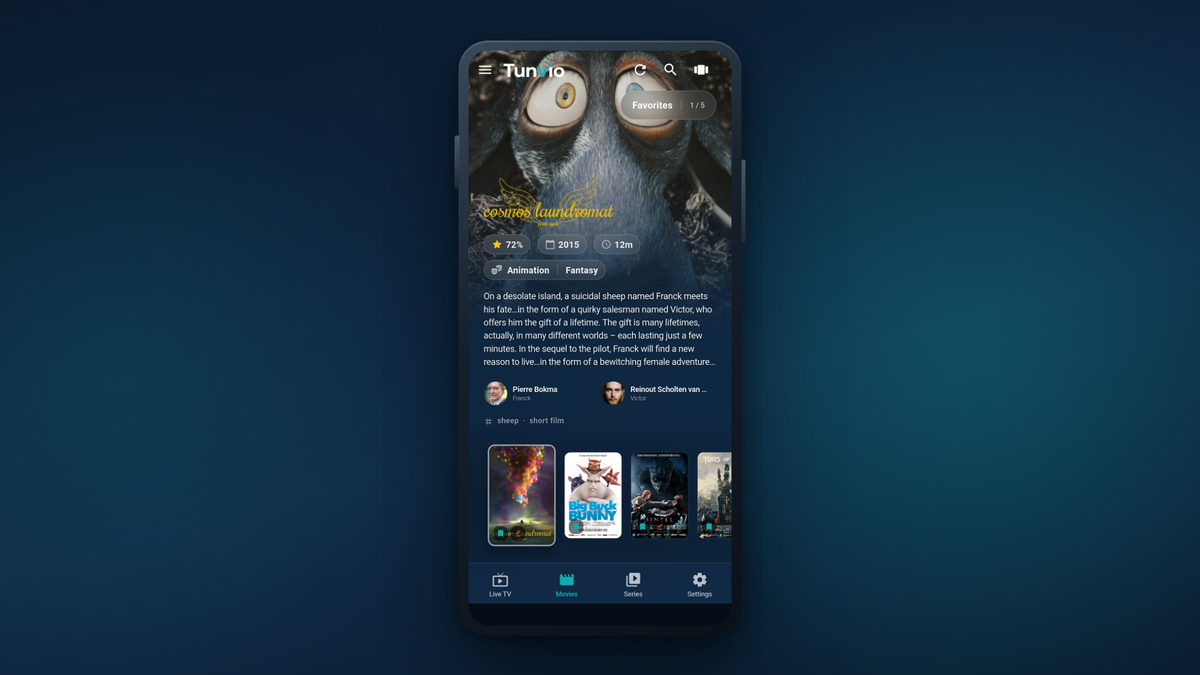
Tunvio doesn’t host, sell or provide any channels, streams or content. It plays what your own IPTV provider gives you — Xtream Codes login, M3U URL or Stalker portal — and makes it look and work the way it should.
What’s inside
Everything you’d expect from a streaming app. Running on your own IPTV service.
Every image on this page is a real screenshot of Tunvio, not a mockup. Scroll through the six things it does best — click any screen to see it full size.
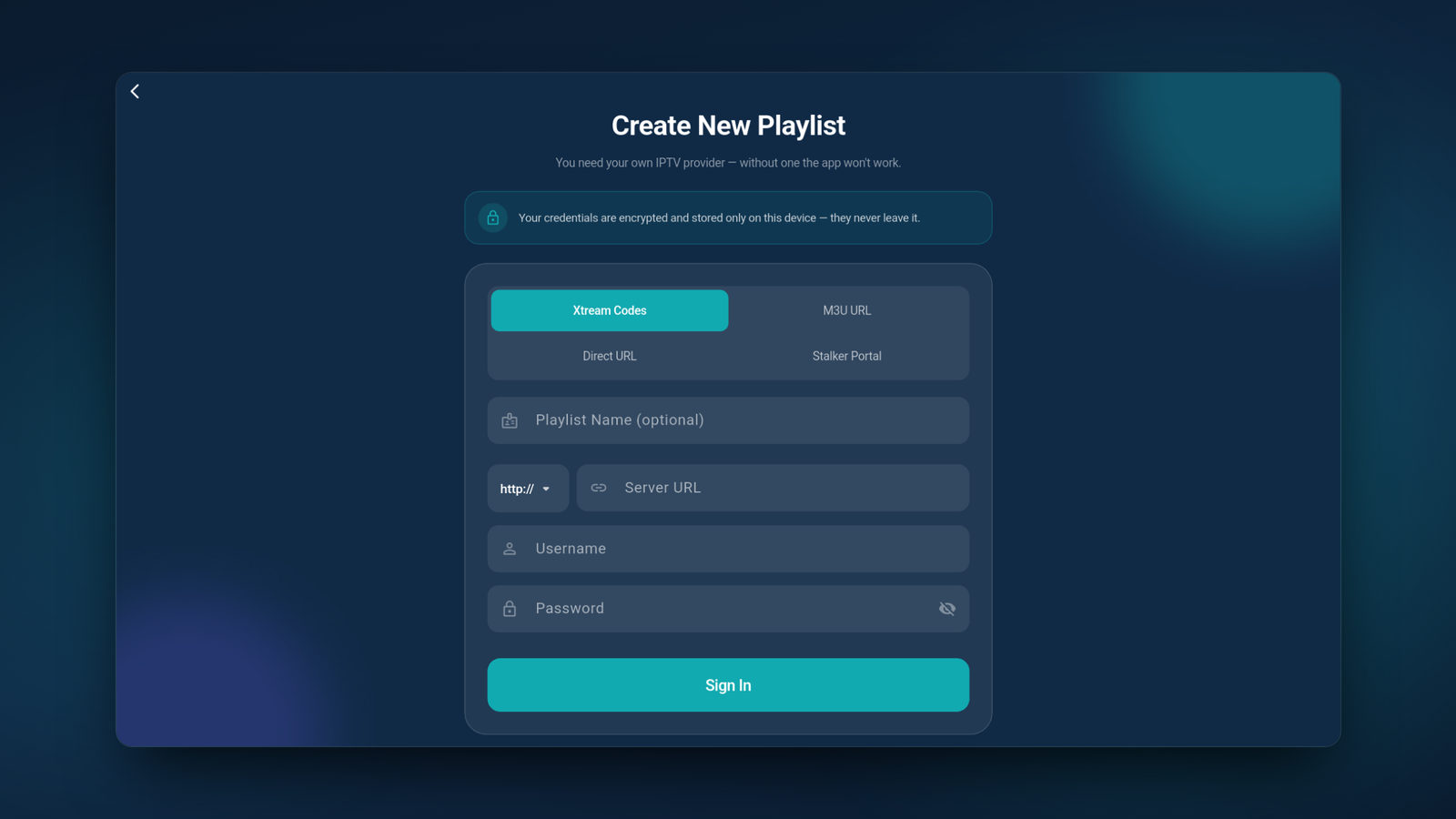
Xtream Codes, M3U or Stalker — connected in seconds
- Xtream Codes login, M3U and M3U8 playlists, Stalker portal or a direct stream link
- Pick the source type, paste your URL — no account, no registration, no email
- Your credentials are encrypted and never leave your device
- Several sources merged into one profile: one catalog, one channel list Premium
- Copy the finished setup to your next device — over your network or the cloud
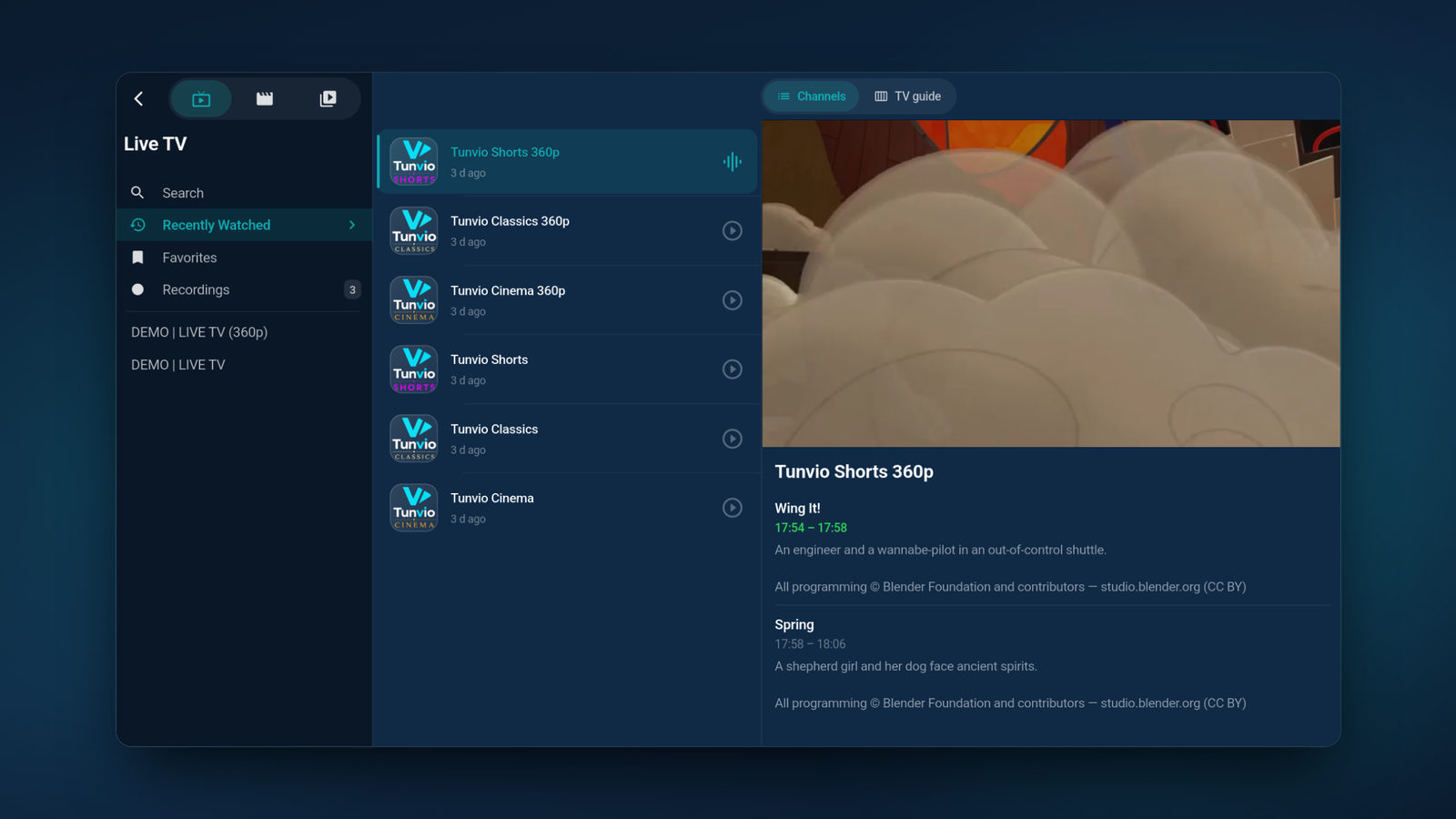
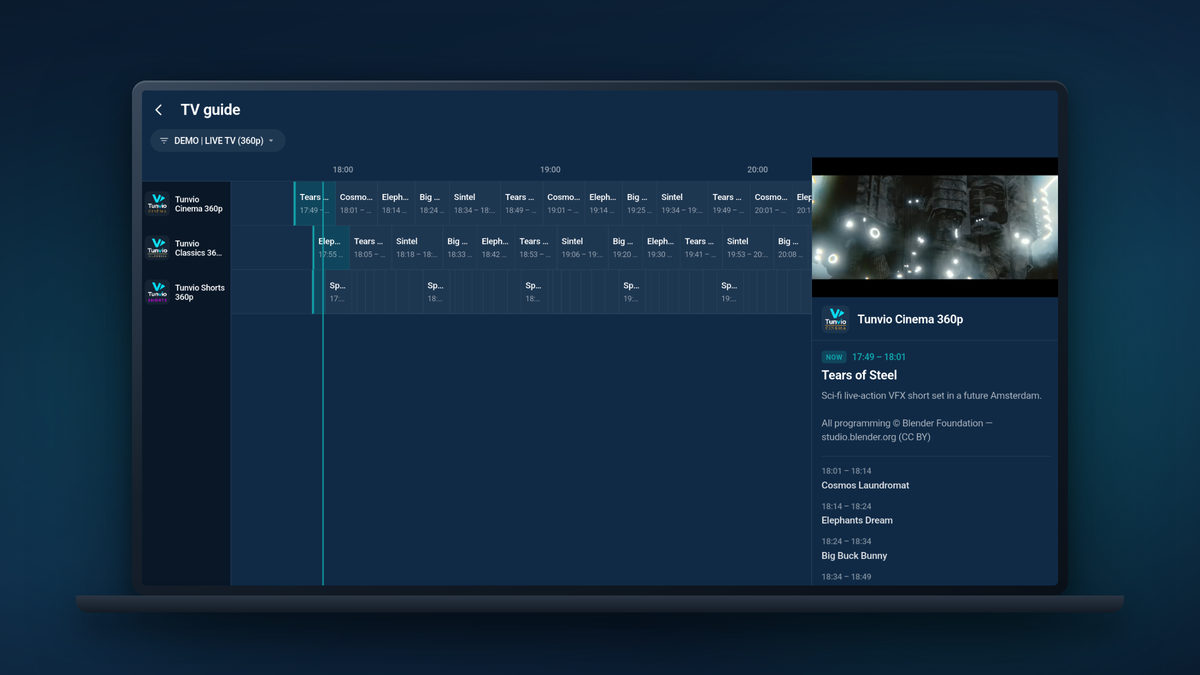
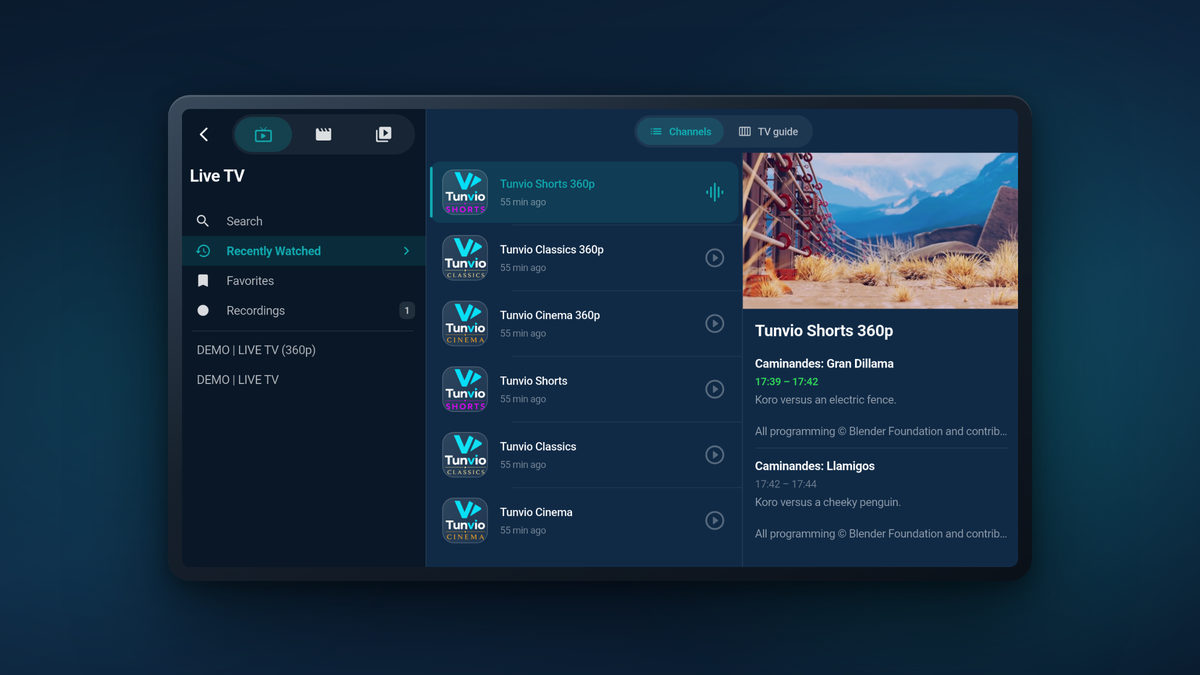
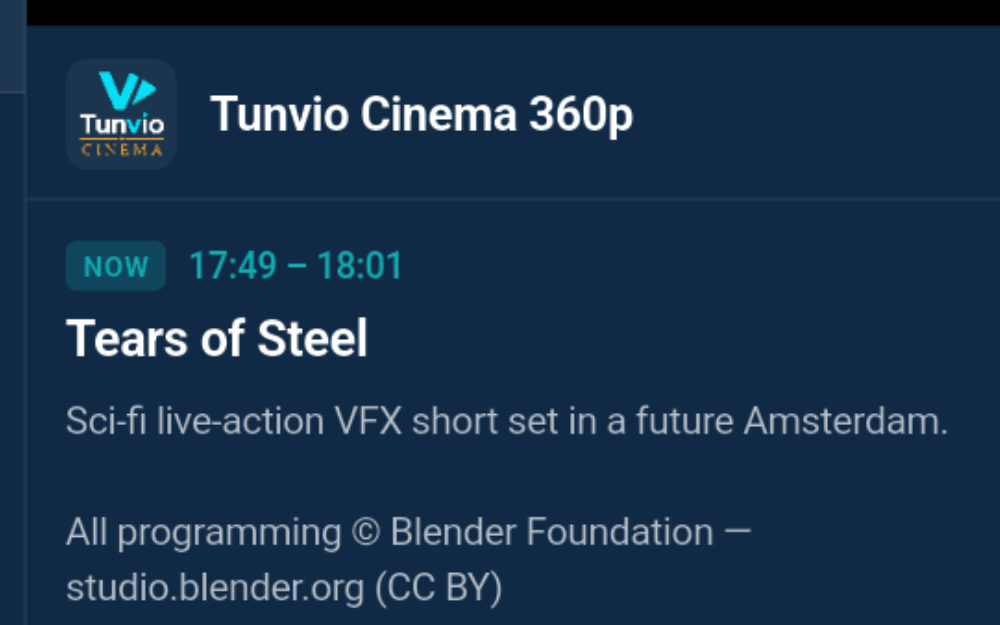
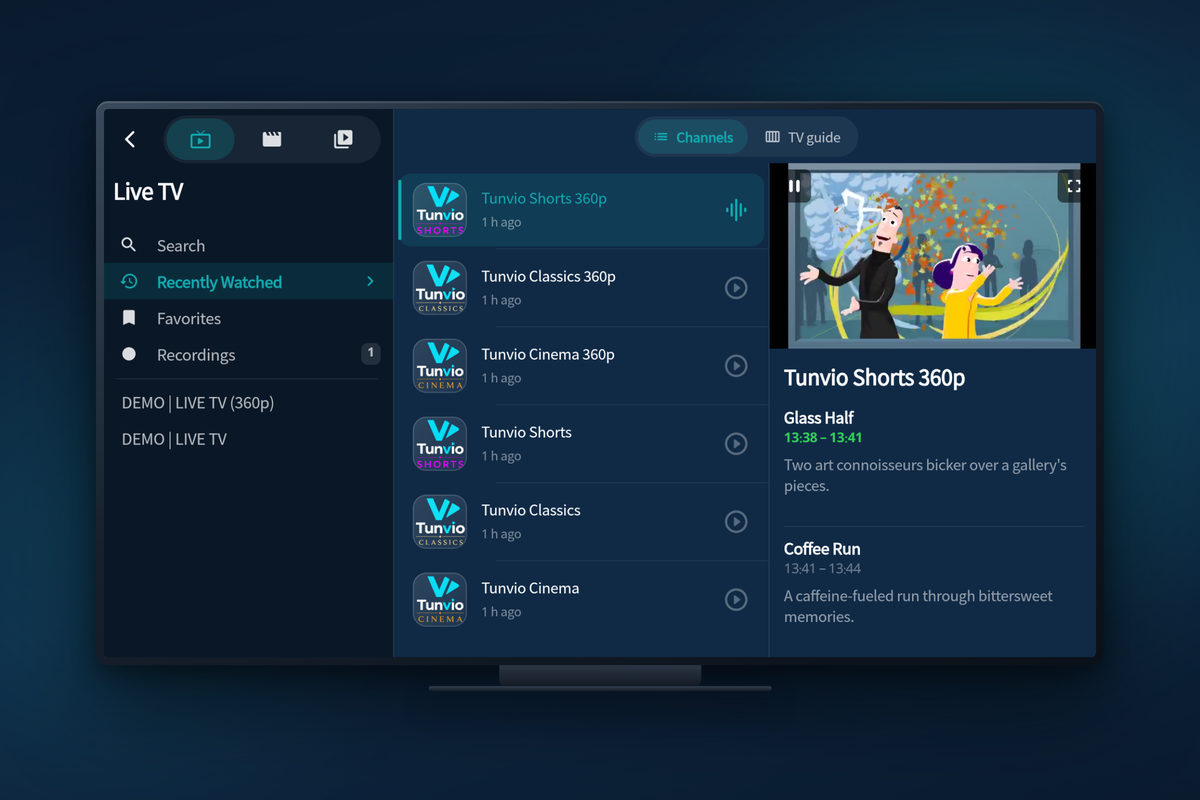
Live TV with a real TV guide
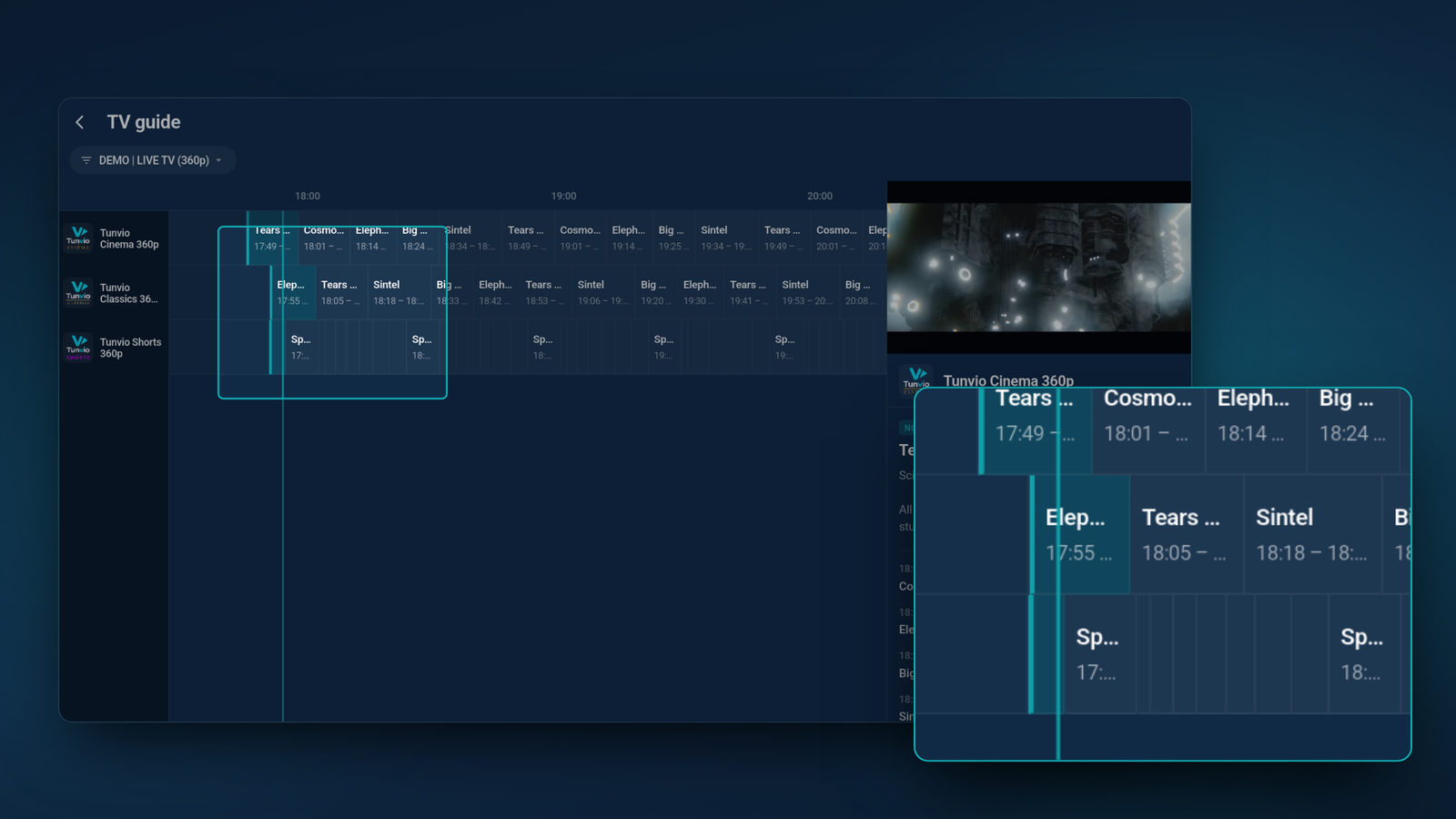
- Channels in tidy groups — with now & next on every row
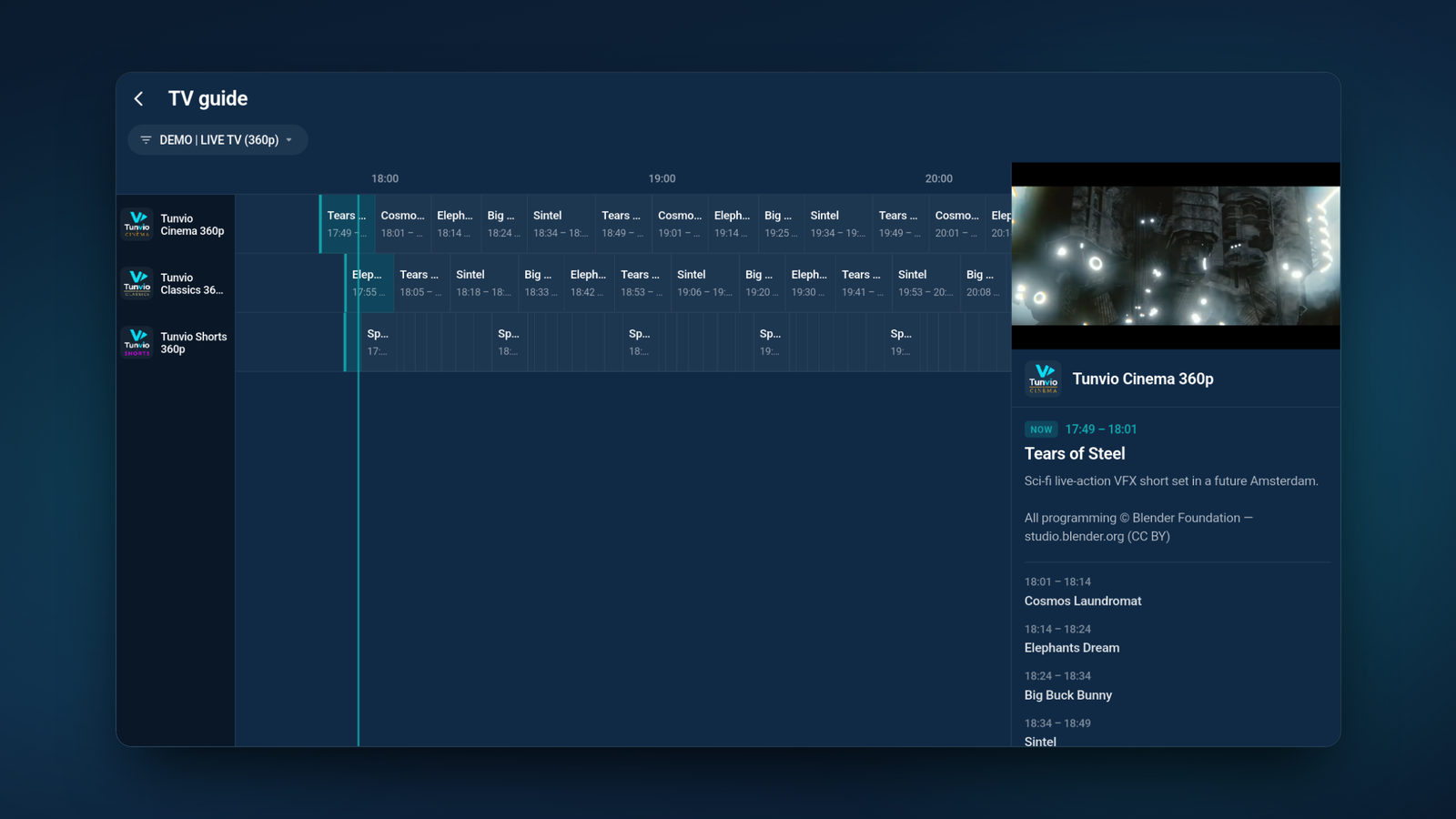
- A classic grid guide across all channels: tap to watch or to schedule a recording
- Mini player: keep zapping without ever losing the picture
- Sort channels, reorder categories, favourites on every list
- One search across channels, movies and series — typos included
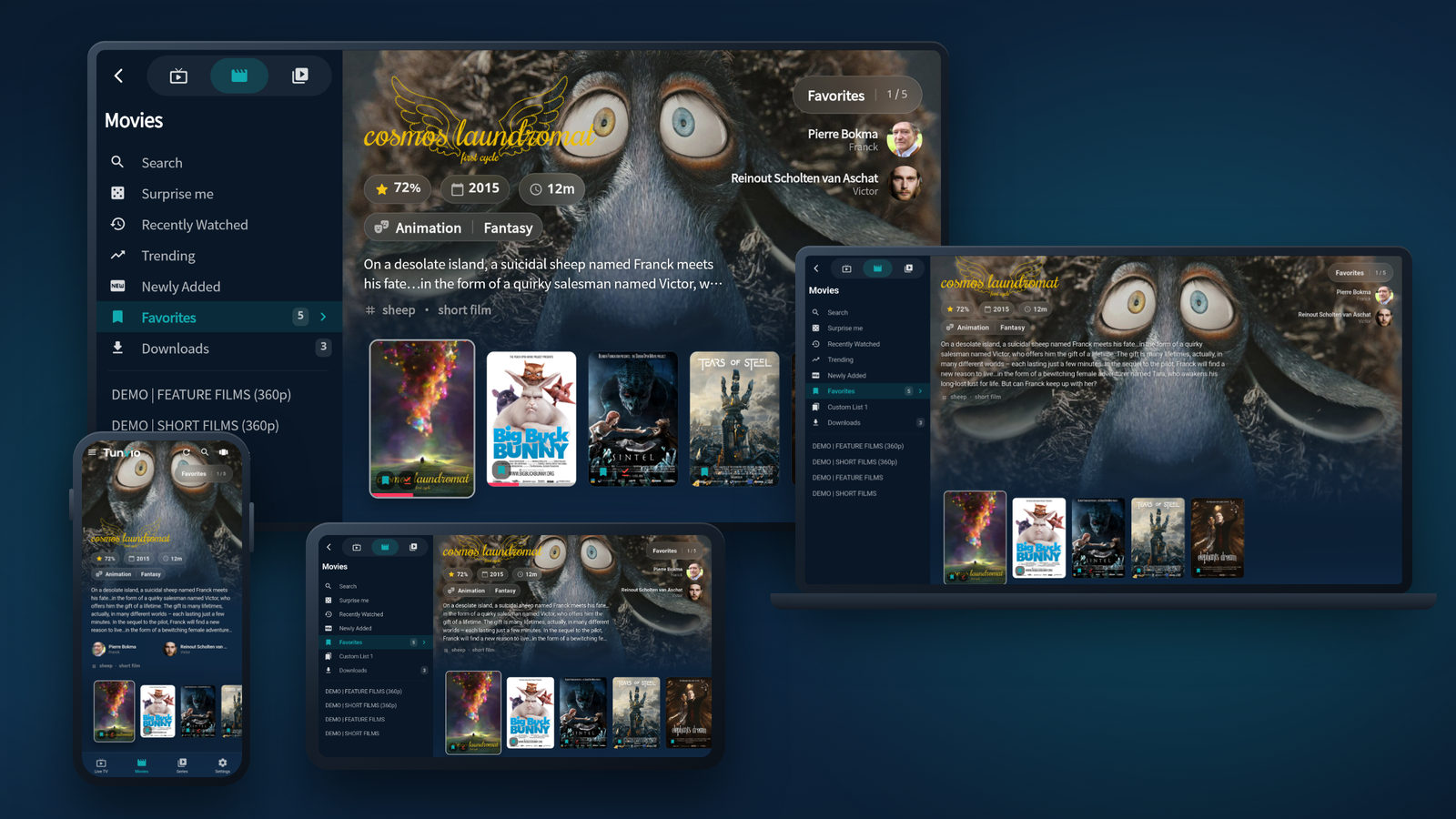
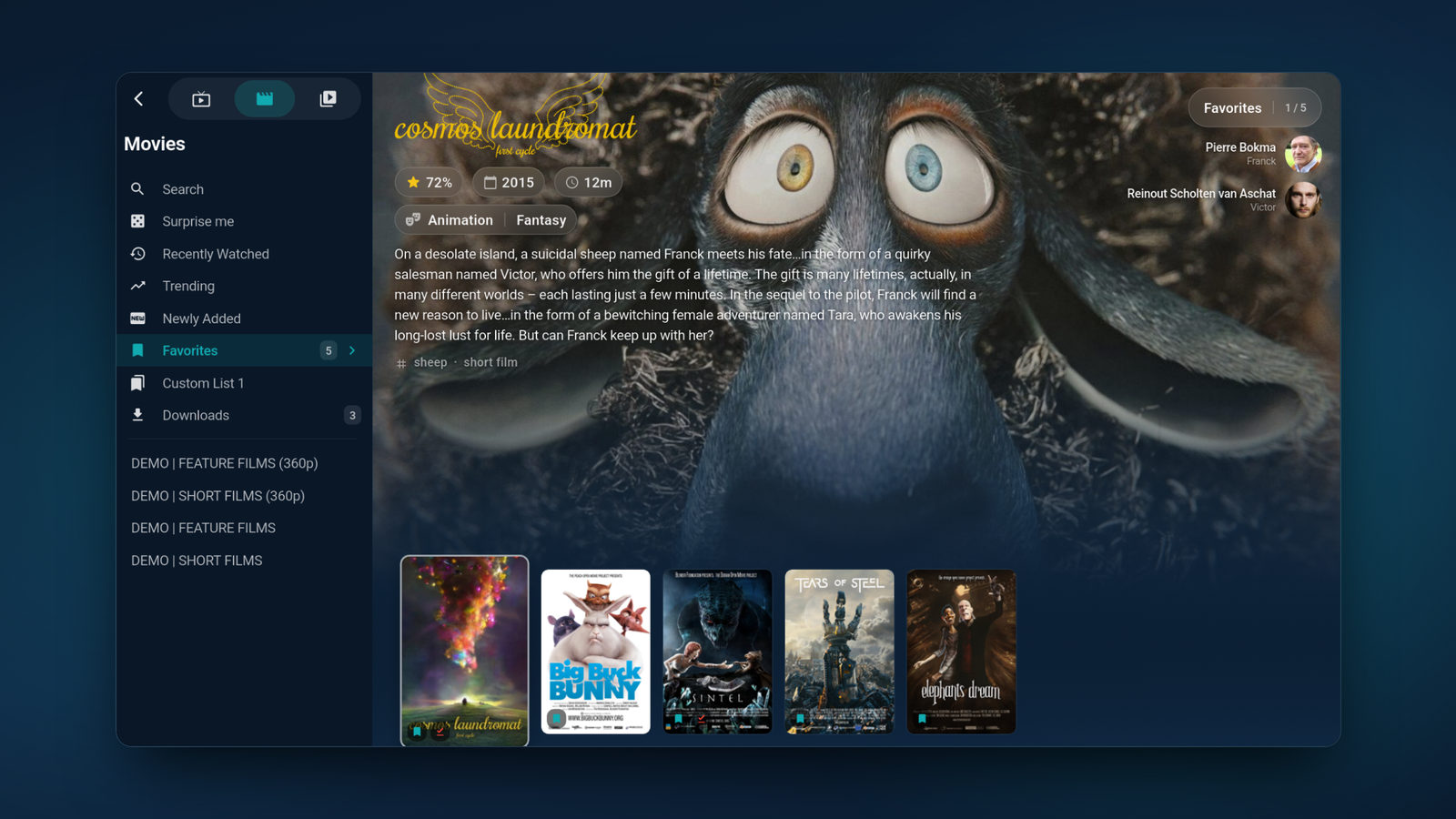
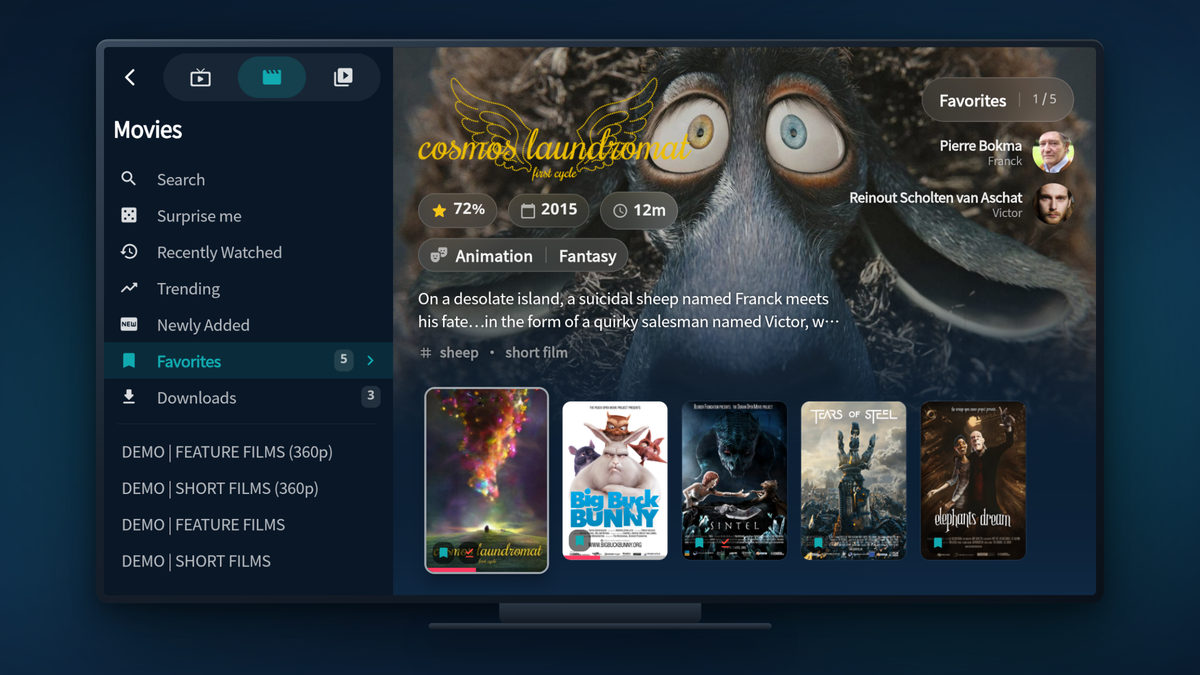
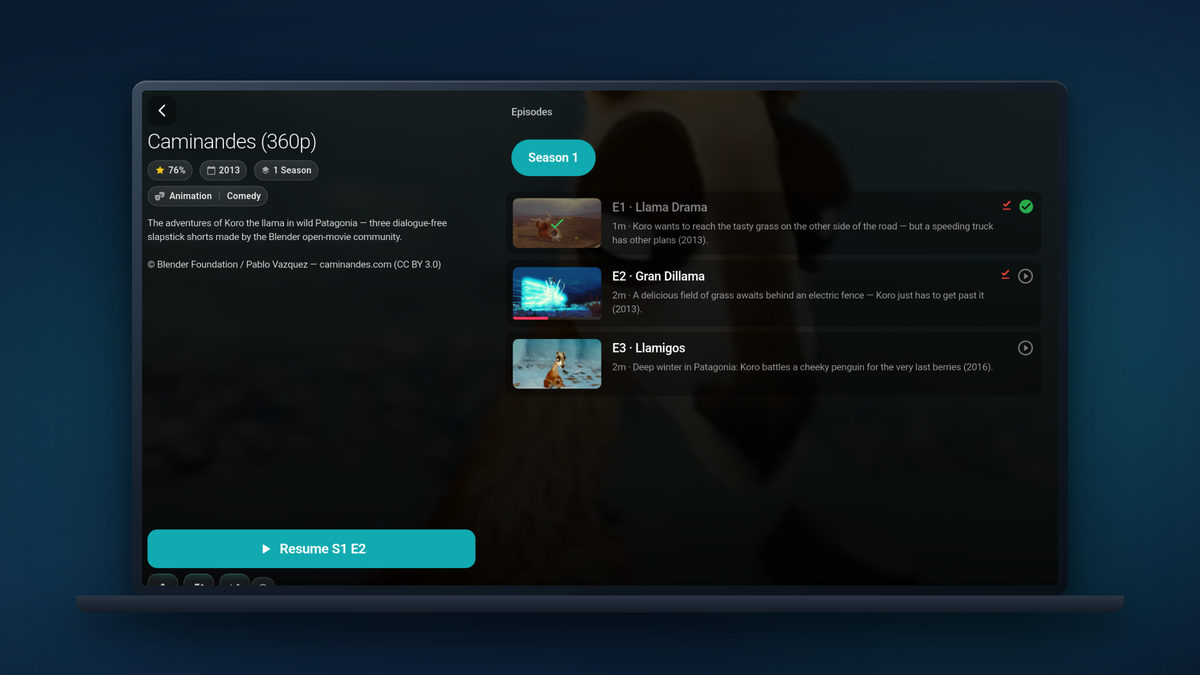
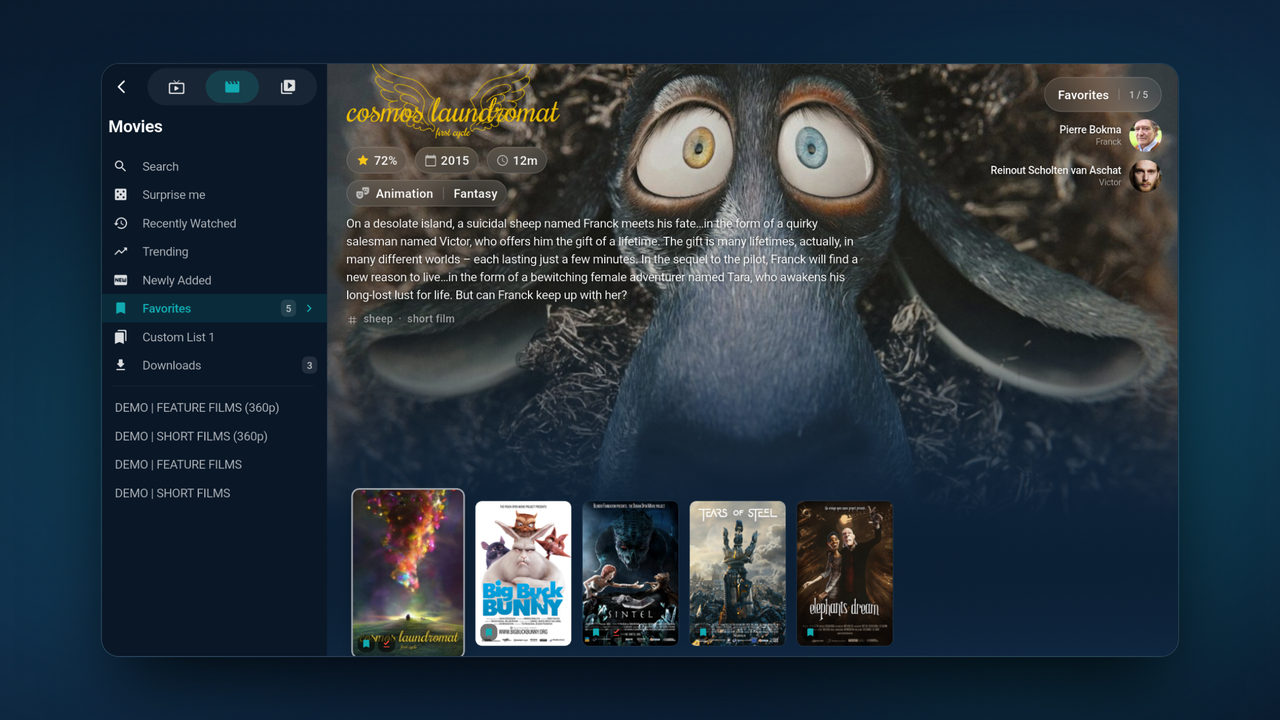
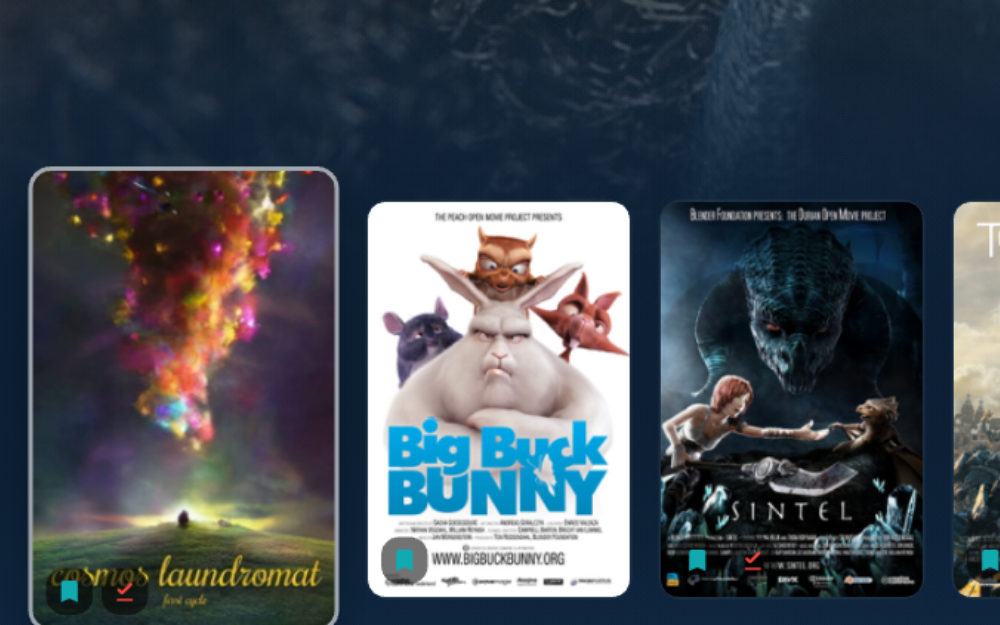
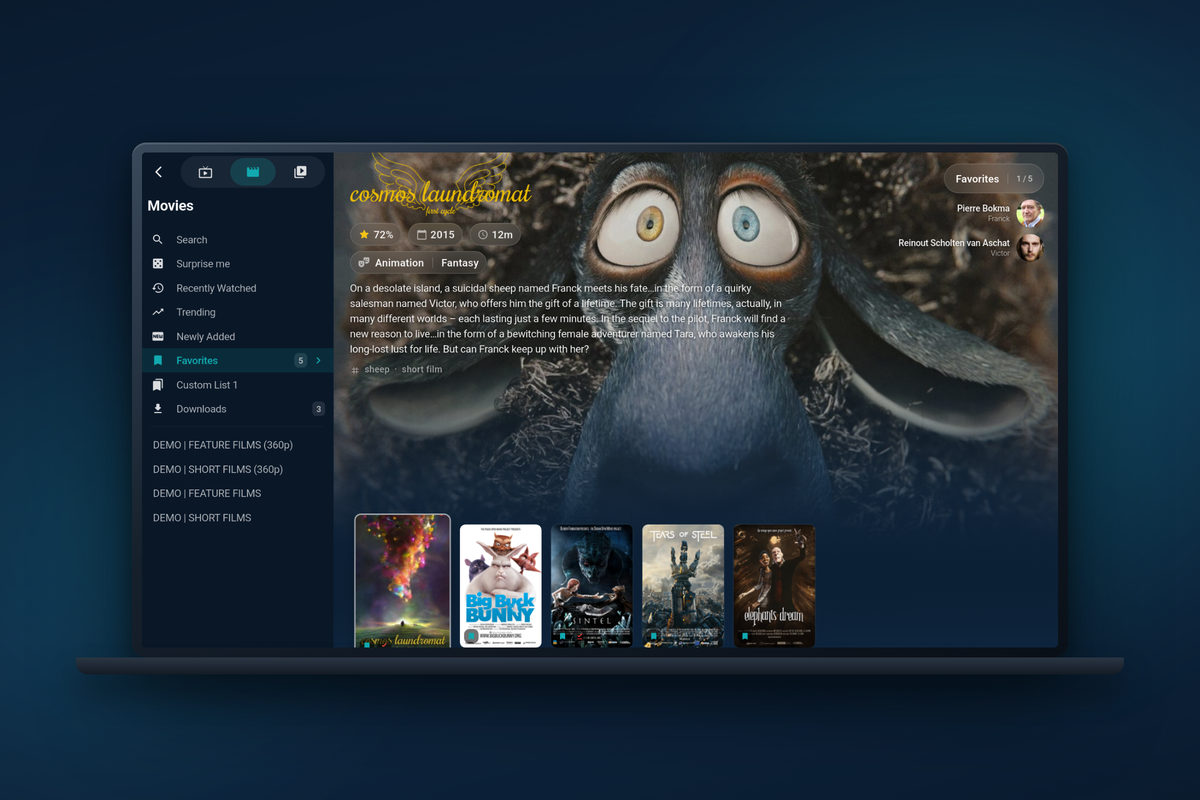
Movies and series, like a streaming service
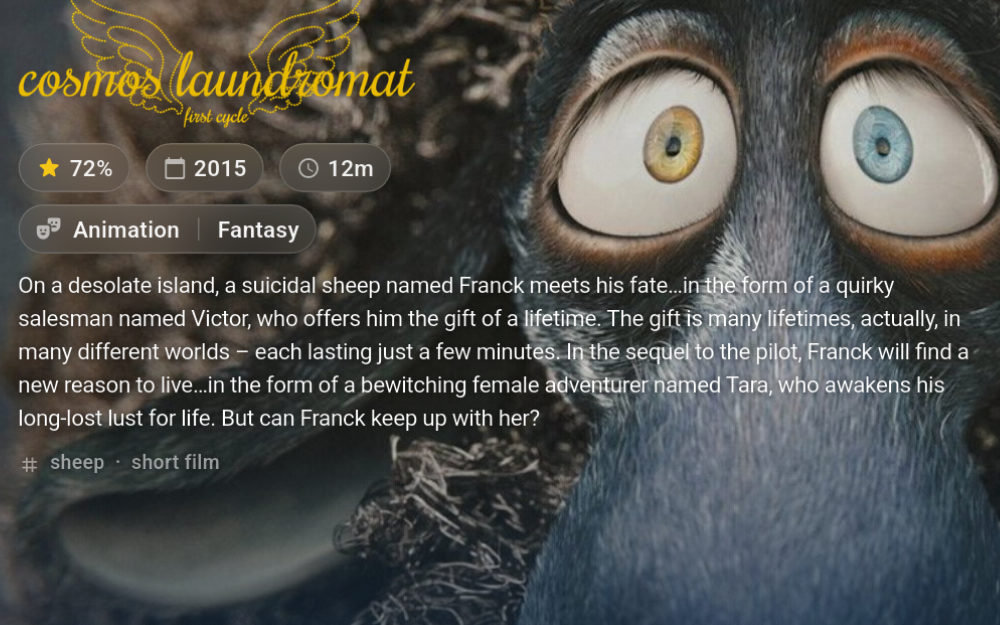
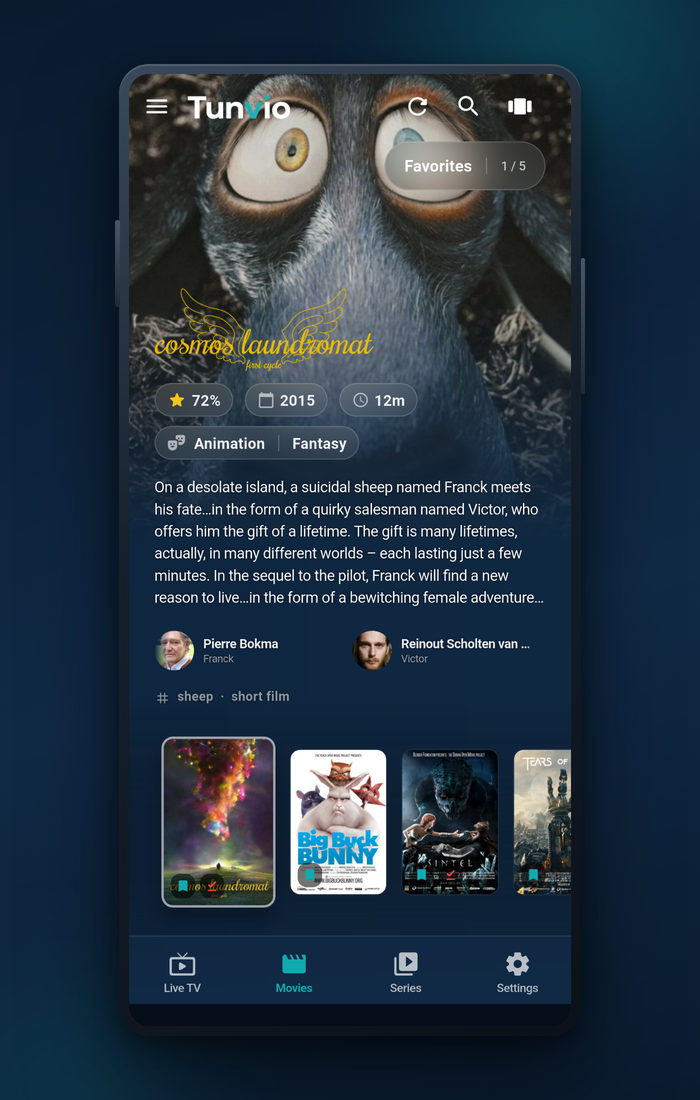
- Posters, plots, cast and ratings added automatically via TMDB
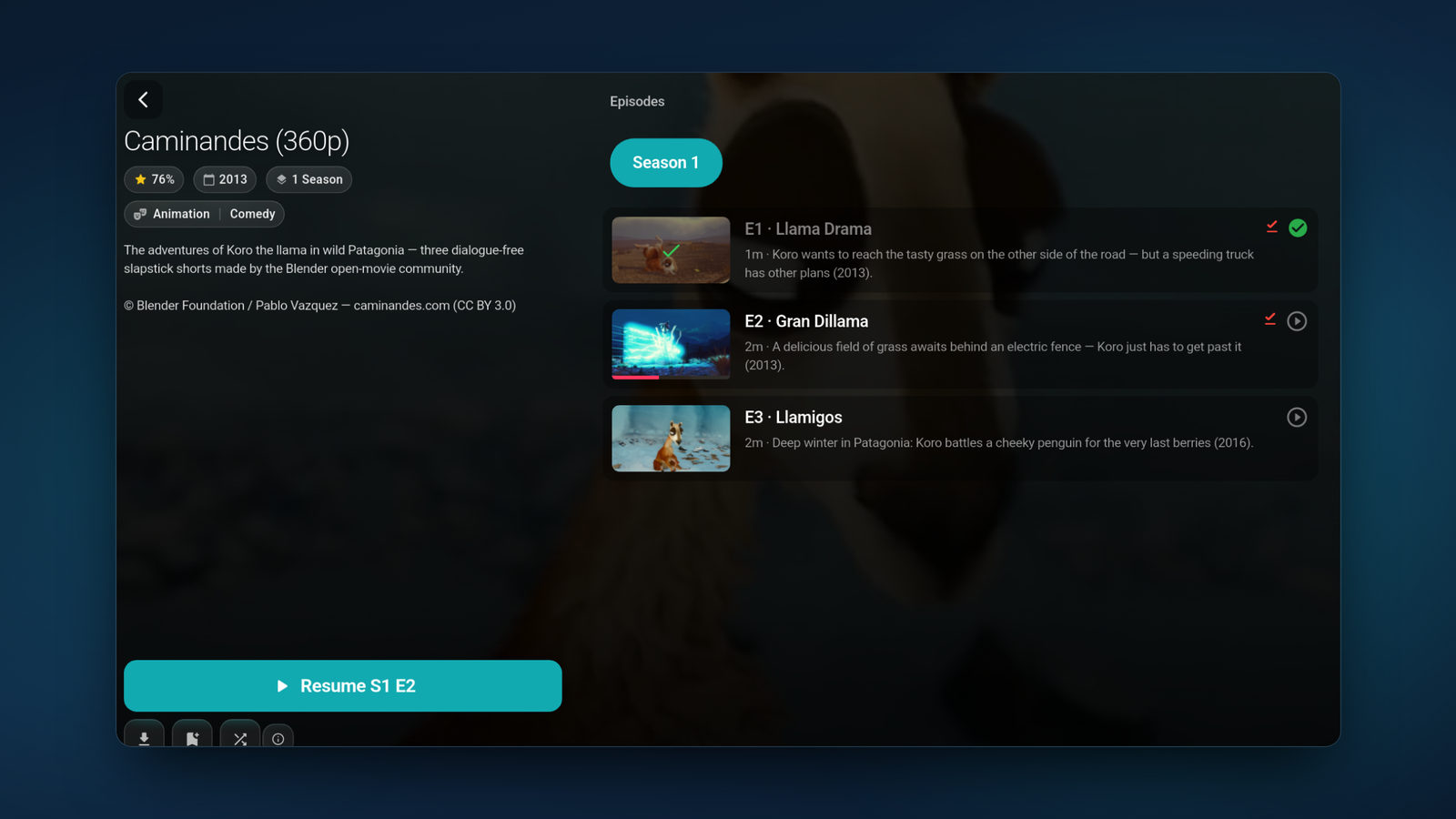
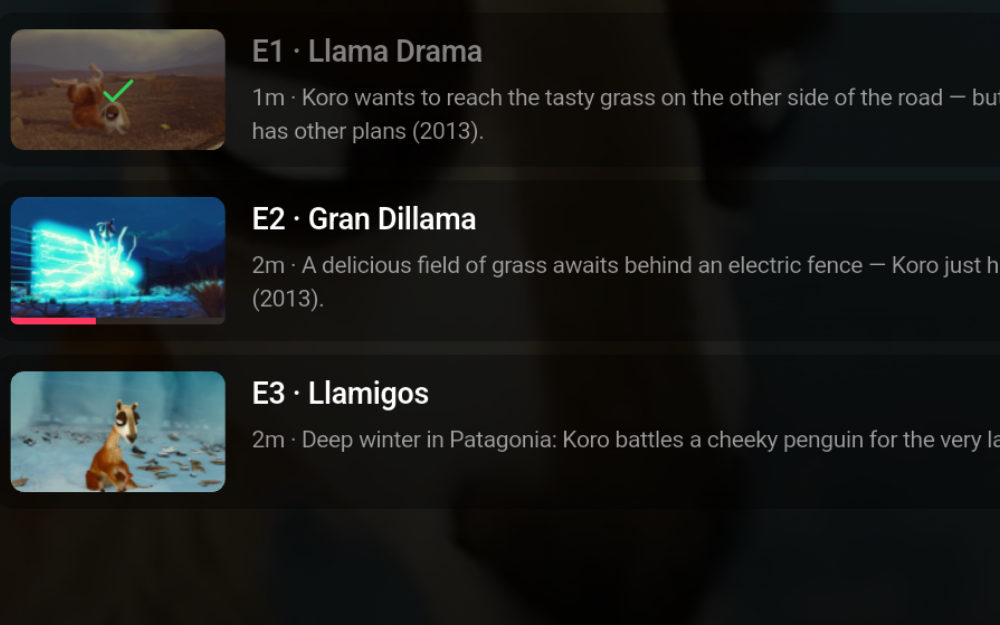
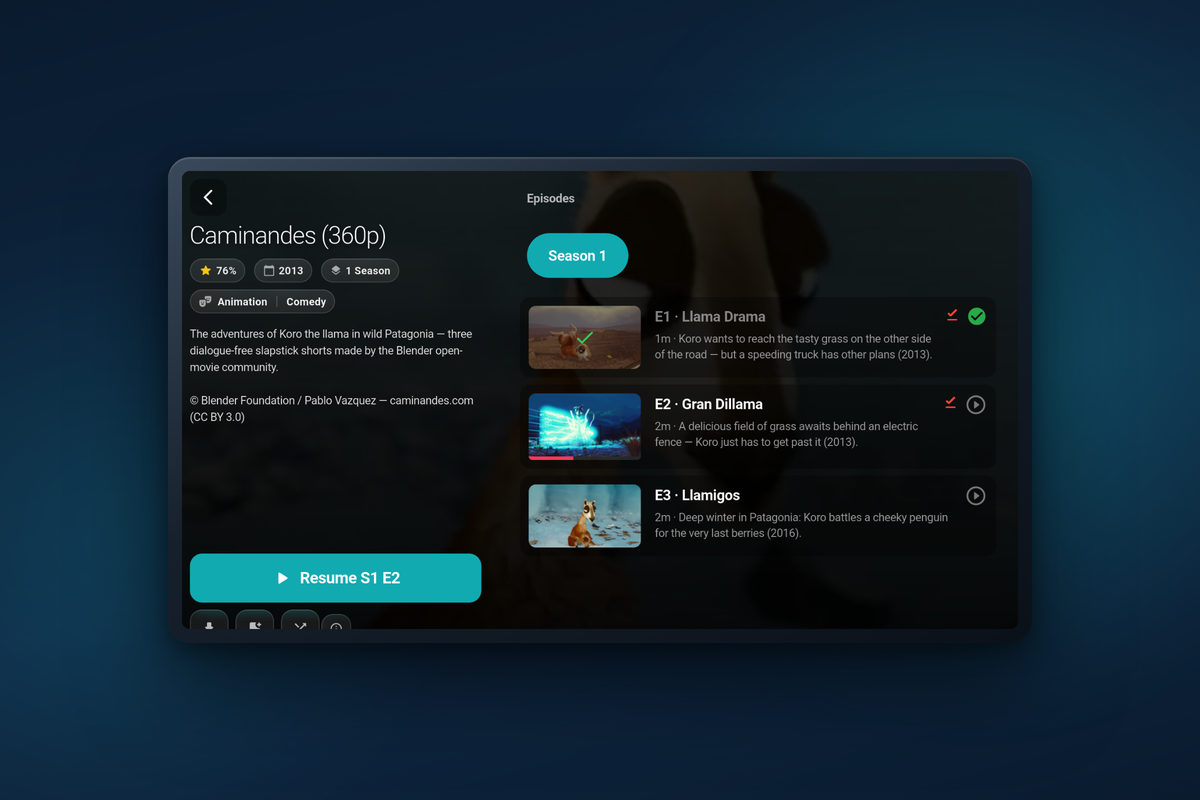
- Seasons, episodes and auto-play of the next episode
- Continue watching, Trending and Newly added — built from your own playlist
- Trailers, similar titles and where else a title is streaming
- Browse on while playback keeps running
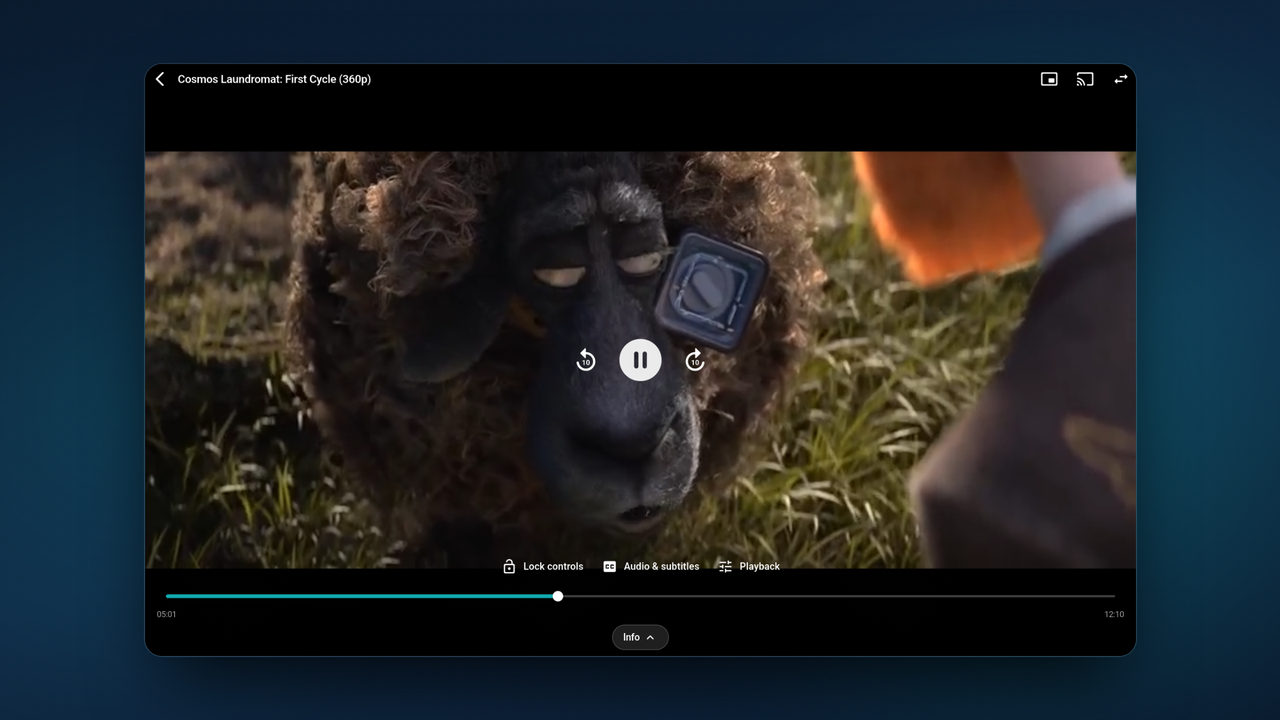
A player built for real-world streams
- Two playback engines — if a stream refuses one, switch to the other
- Picture-in-picture, sleep timer, playback speed, audio & subtitle tracks
- Subtitle styling — plus online subtitles via OpenSubtitles Premium
- Hardware decoding and a buffer you can tune for 4K
- Zapping holds the picture instead of going black
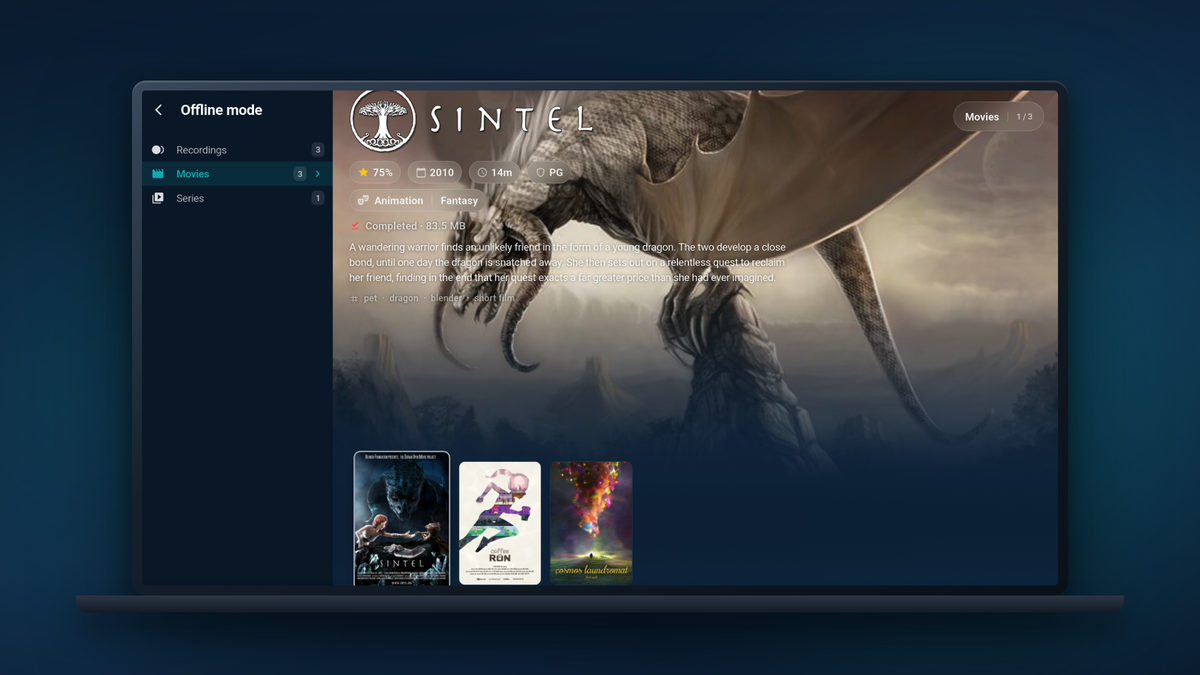
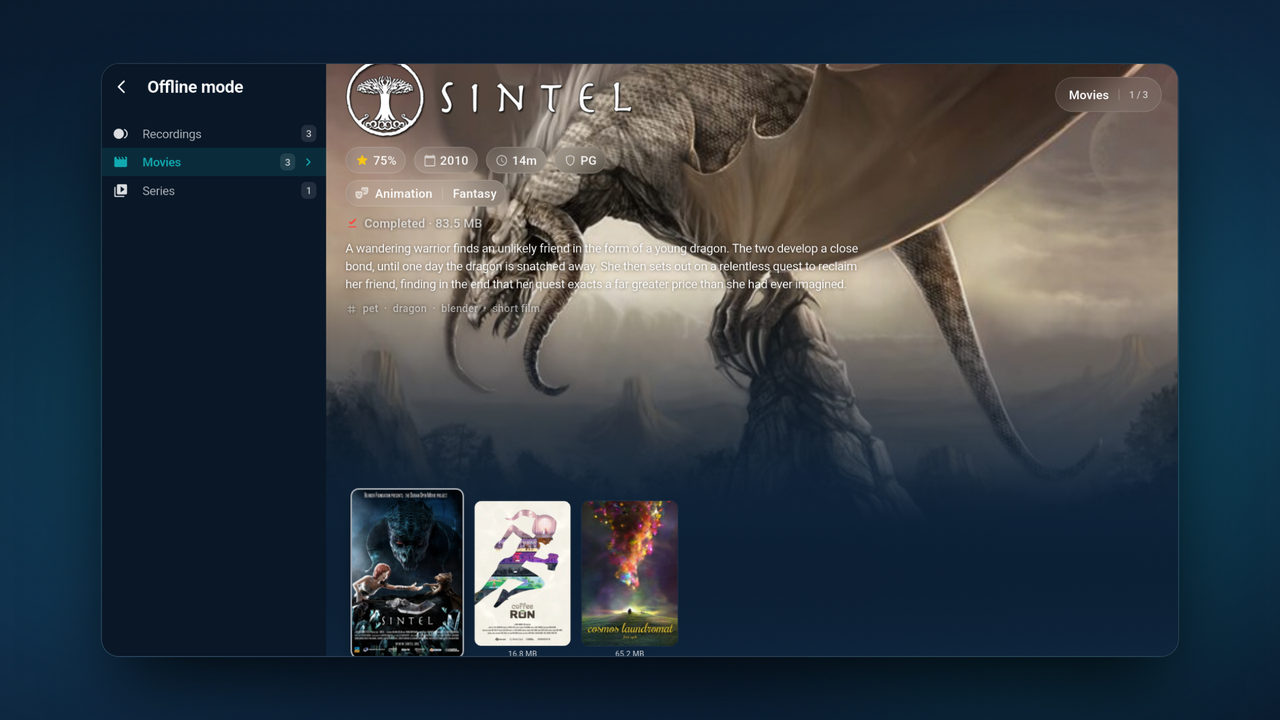
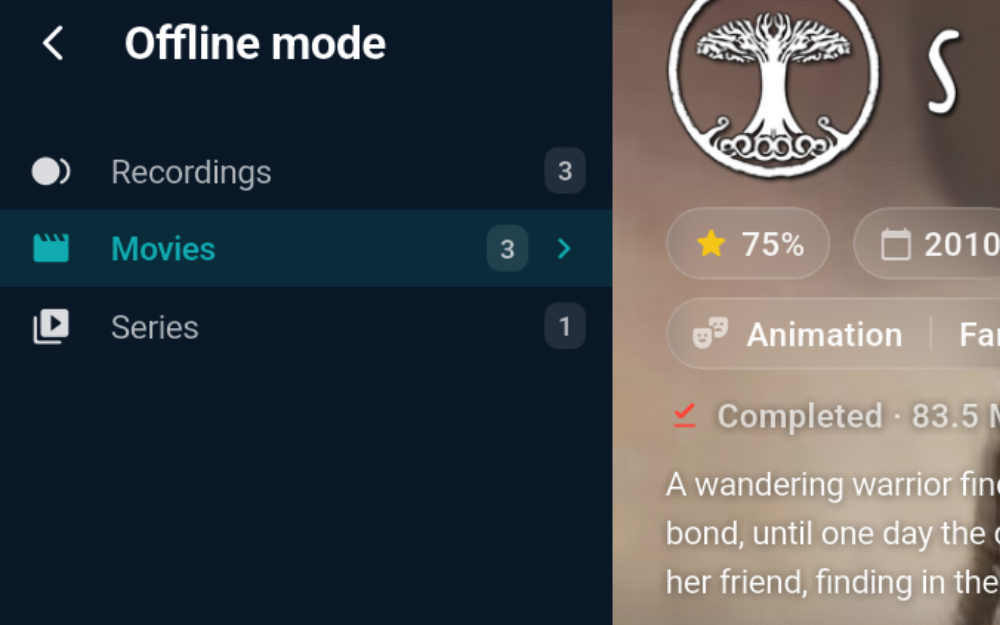
Record, download, watch offline Premium
- Record live TV instantly — or scheduled straight from the TV guide
- Recordings keep running in the background, even after a restart
- Download movies and episodes for offline playback
- Store anywhere: device, SD card, USB or NAS
- Cleanup rules keep storage under control
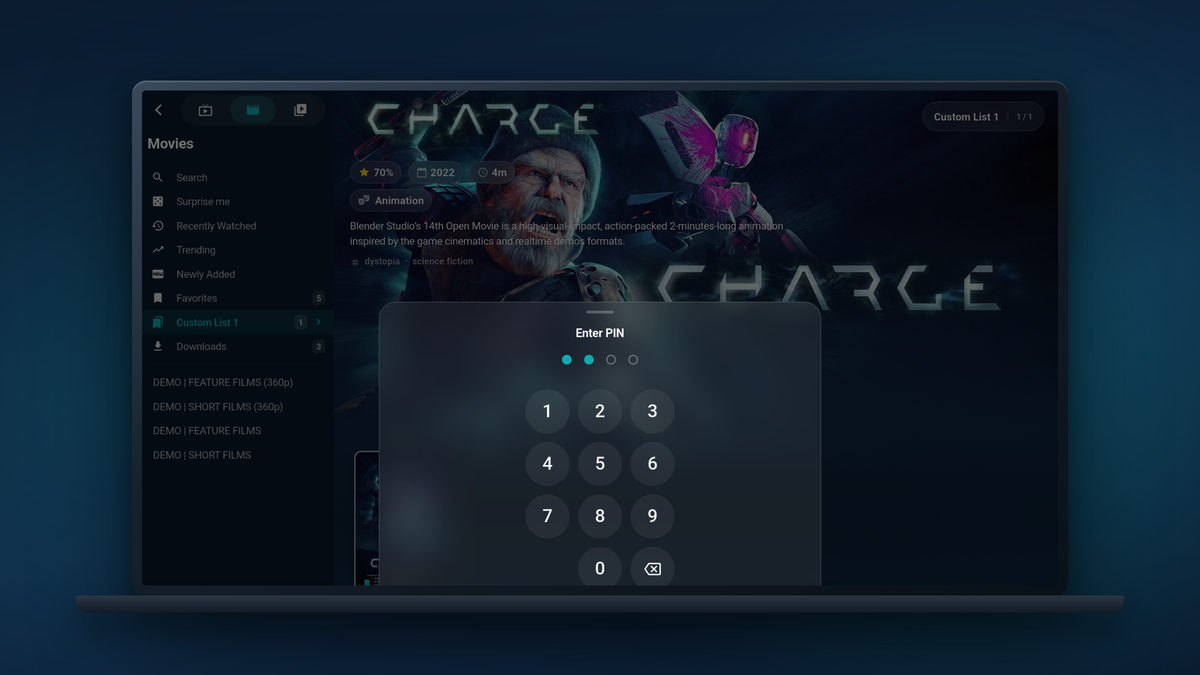
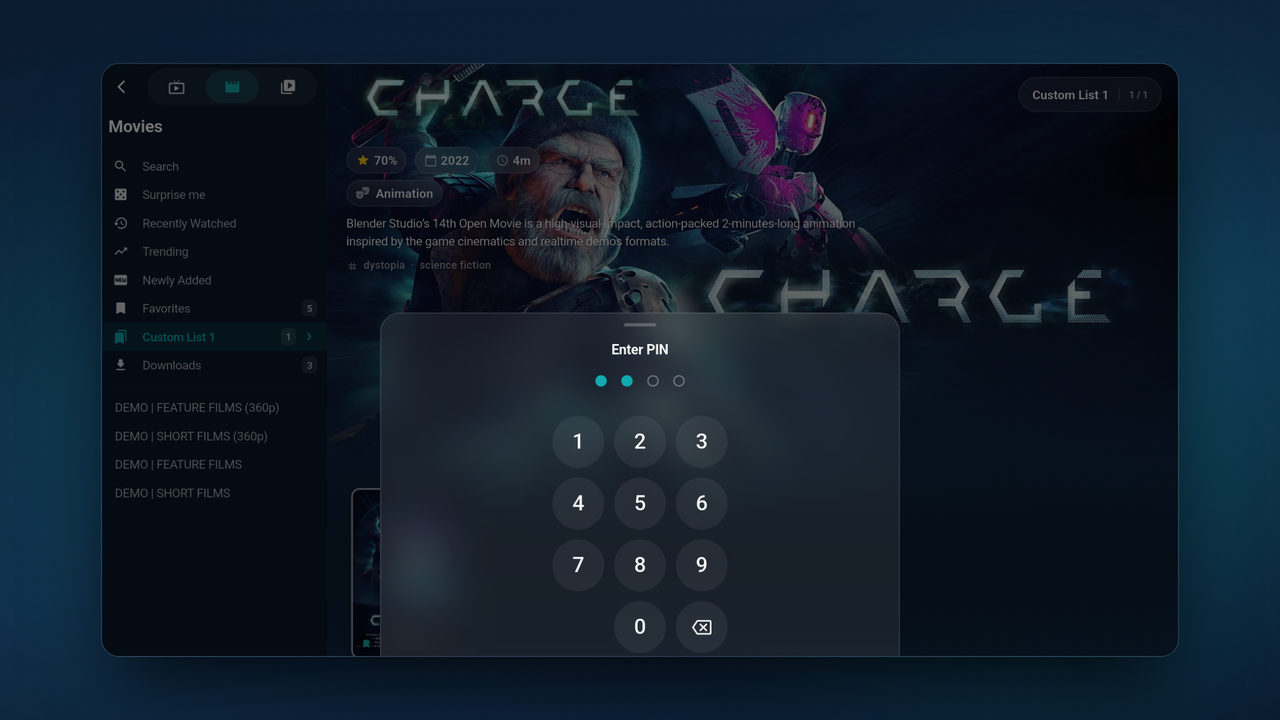
Safe for the whole family
- Age-rating locks for movies and series — included for free
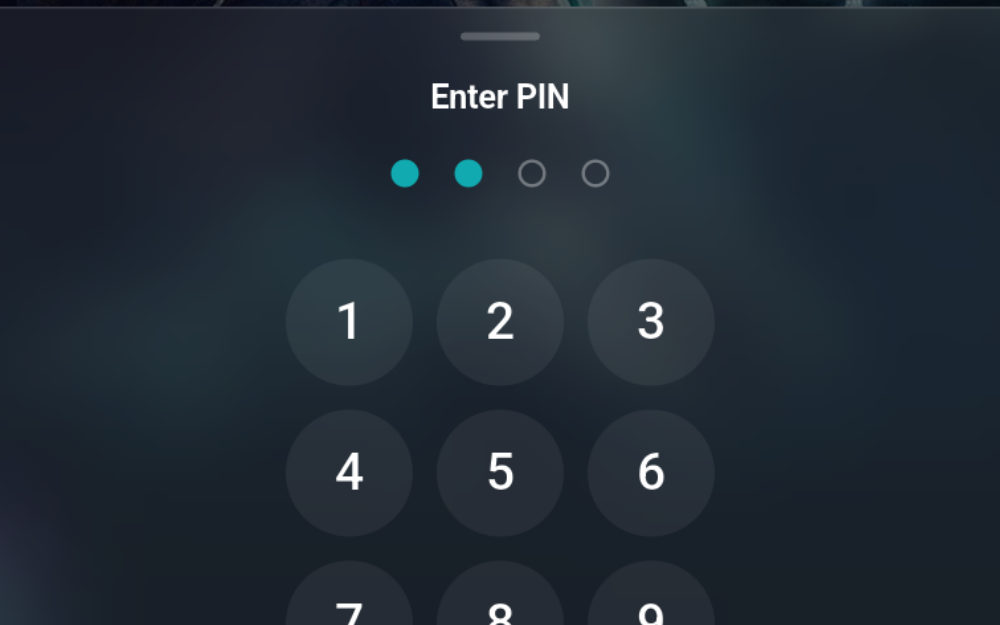
- PIN-protected categories and channels Premium
- Explicit artwork can be hidden without a PIN — and stays out of recommendations and history
- Everything is set per profile, so every household member gets their own
Up close
The small things you notice on day two.
Six close-ups from the screens above — the details that decide whether an IPTV app is pleasant to live with.
No account.No ads.No tracking.
Tunvio never asks who you are. Your credentials stay encrypted on your device, streams go straight from your provider to your screen, and there is no ad tracking anywhere in the app. How Tunvio handles data
And there’s more
The details that make it yours.
Merge accounts
Several Xtream, M3U, Stalker or direct sources as one profile: one catalog, one channel list, one login — instead of constant switching.
Chromecast & DLNA
Send any stream to your TV or a DLNA renderer and control it from your phone. Playback keeps running even when you switch apps.
Set it up once
Copy profiles, favourites, history and settings to your next device — over your local network or the cloud. On the TV, sign in by scanning a QR code with your phone.
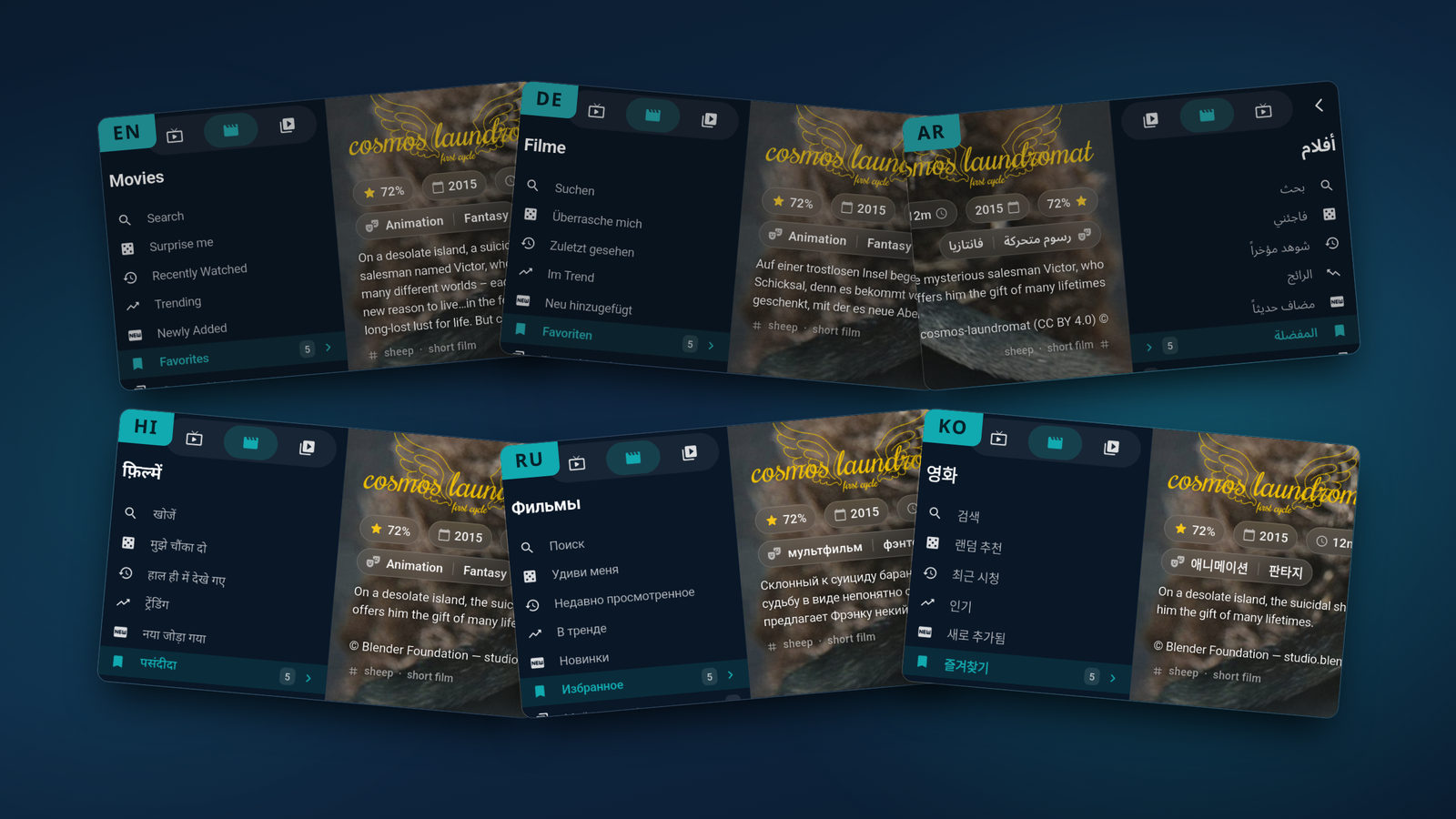
22 languages
Fully translated — including Arabic, Persian and Urdu with true right-to-left layouts. Switch language any time in the app.
Made for the remote
Every screen works with a D-pad — no touch needed. The focus never gets lost, Back takes you where you came from, and the whole thing runs on Android TV, Fire TV and Samsung Smart TV.
Surprise me
One tap and Tunvio picks something from your library — across live TV, movies and series. Perfect when you can’t decide.
Custom favourite lists
Your own lists for sports, kids or news — freely sortable, usable as your start view and filterable right in the TV guide. One list is free.
Fast on huge lists
Tens of thousands of channels stay smooth: posters load fast, and holding the scrollbar jumps straight to any spot in the list.
Platforms
One app. Every screen in the house.
Same library, same favourites, same continue-watching — laid out for the screen it runs on.
Free & Premium
Fair and transparent.
The core of Tunvio is free — no account, no ads, no limits. Pro features come as an optional Premium plan.
Everything to get going
Free forever — no account, no ads.
- Live TV with EPG and the full TV guide
- Movies & series with TMDB posters and plots
- Favourites, history and continue watching
- Search across your whole library
- Both playback engines, subtitles and picture-in-picture
- Unlimited profiles & 22 languages
One plan. All pro features.
Monthly, yearly or a one-time lifetime purchase — the yearly plan starts with a 7-day free trial. You’ll see the current price in the app before you buy.
- Recordings & downloads with cleanup rules
- Chromecast & DLNA
- Merge several accounts into one profile
- PIN-protected parental controls
- Custom favourite lists & your own start screen
- Hide categories, Surprise me, online subtitles
No hidden costs: what’s Premium is clearly marked here and in the app — everything else stays free.
Your playlist is ready. Give it a better player.
No account needed. Connect your IPTV service and start watching in seconds — on Android today, more platforms on the way.